
The global ecommerce landscapes have transformed how independent creators launch apparel lines, custom merchandise, and digital storefronts. In a marketplace driven entirely by visual appeal, the design software you select directly impacts your operational speed and conversion rates. A design that looks exceptional on a computer monitor must translate flawlessly onto physical fabric, ceramics, or paper assets. Consequently, modern print on demand merchants require professional graphic creation platforms that balance intuitive design workflows with industrial grade vector outputs.
Choosing the wrong software can lead to blurry prints, restricted commercial licenses, and generic designs that fail to attract buyers. Today, the choice for most digital entrepreneurs narrows down to two dominant online platforms. Understanding how these tools function helps business owners allocate their design budgets efficiently and maximize product sales.
Evaluating Kittl vs Canva for Print on Demand Architecture
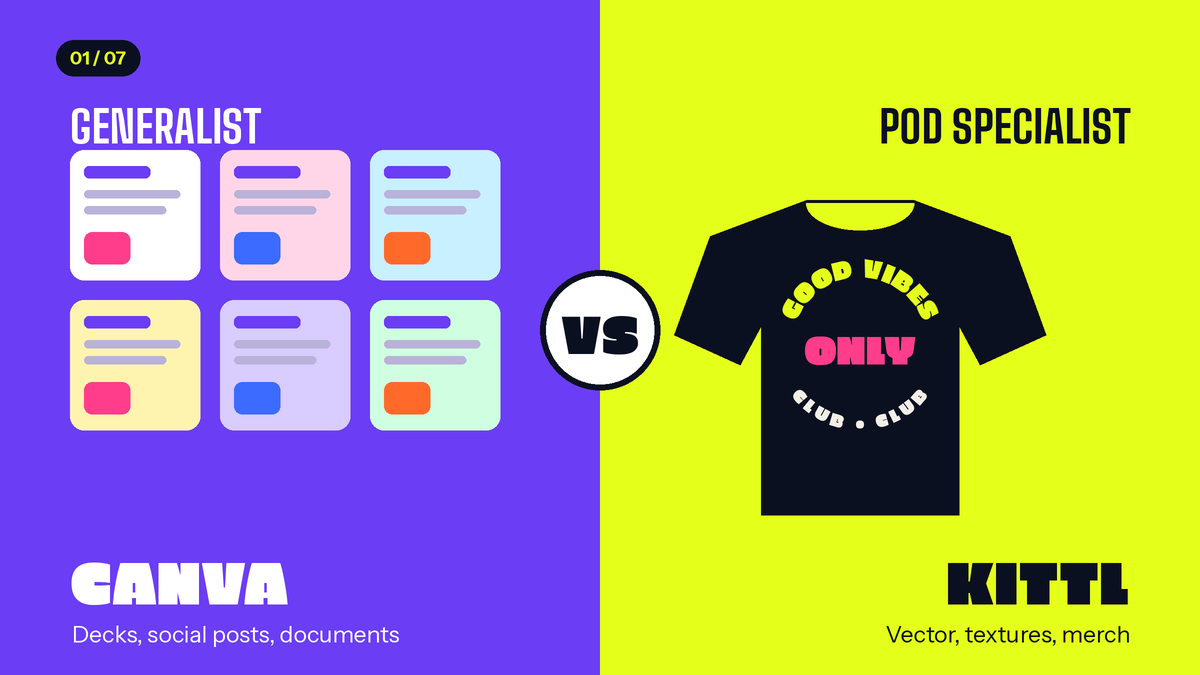
When analyzing the performance of Kittl vs Canva for print on demand architectures, it is crucial to recognize that these two platforms were built for entirely different purposes. Canva operates primarily as an all in one generalist content production hub. Its ecosystem excels at building rapid presentation decks, multi channel social media layouts, document workflows, and simple text based graphics.
Canva utilizes a massive, template driven approach, allowing non designers to compile pre arranged elements into finished layouts within minutes. While highly versatile for standard digital marketing, its engine is not fundamentally optimized for advanced pixel manipulation or intricate merchandise illustration.
Conversely, Kittl was engineered from the ground up specifically for graphic designers, product developers, and print on demand creators. The platform utilizes an advanced, artboard centric canvas that mimics professional desktop vector software while maintaining a highly accessible web interface.
Kittl focuses heavily on asset creation rather than general office layouts. Its core engine provides deep control over complex typography styling, vector anchor points, shading, and texture applications, making it a dedicated environment for complex commercial merchandise creation.
Core Features Compared: Vector Tools, Typography, and Asset Catalogs
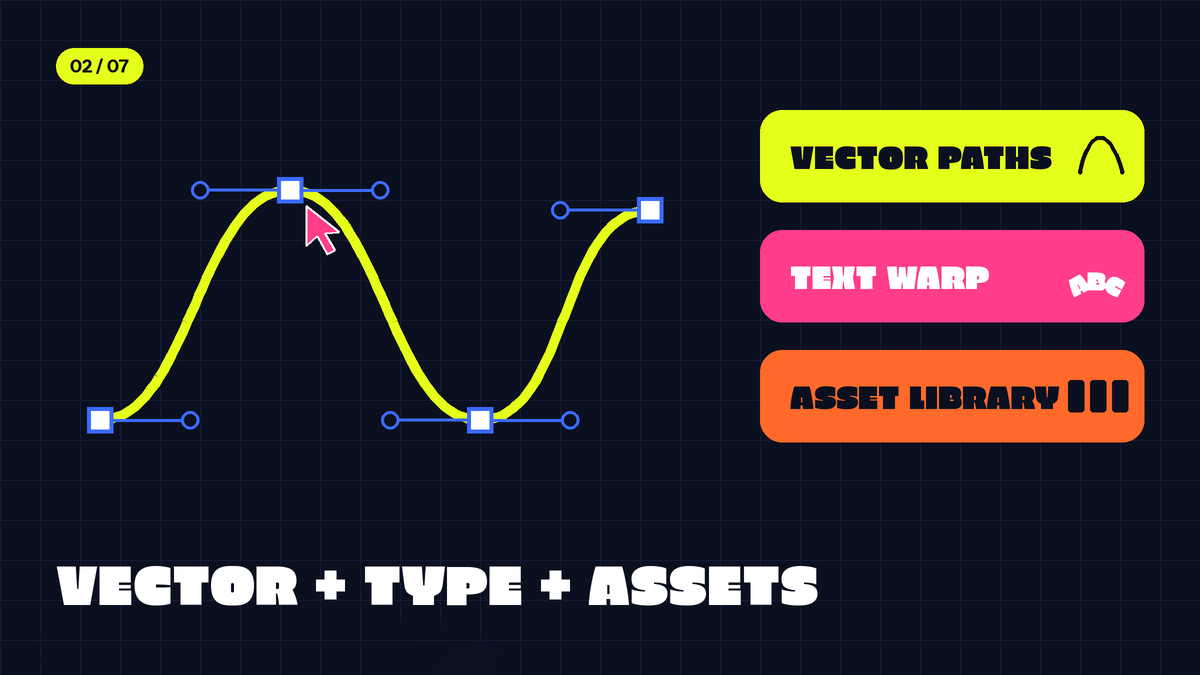
Merchandise manufacturing demands flawless vector scaling to ensure that graphics remain sharp when printed onto large tshirts or wide canvas posters. Canva manages vector elements as static shapes; users can resize or change the colors of native graphics, but they cannot alter individual path coordinates, apply complex clipping masks, or overlay realistic distressed textures directly within the platform. If a print layout requires a vintage weathered effect, Canva users must often rely on external editors to achieve the look.
Kittl provides a robust vector engine featuring built in texture overlays, advanced shading tools, and precise element transformation capabilities. Merchants can apply realistic grunge, grain, or cracked ink textures to their graphics with a single click, which is crucial for creating authentic streetwear and retro apparel lines. Furthermore, the typography ecosystem represents a major point of divergence. Canva allows users to apply basic text adjustments, such as simple shadow drops, outline borders, and basic curve paths. However, these adjustments remain strictly linear and restrictive.
Kittl excels dramatically in text customization, offering dynamic warp engines, wave patterns, transformation meshes, and circular configurations. This allows sellers to bend and shape text around central illustrations effortlessly, replicating hand drawn lettering.
The font catalog is also highly tailored for commercial apparel. While Canva offers thousands of corporate sans serif and handwriting options, Kittl focuses on premium display fonts, intricate blackletters, bold retro scripts, and heavy display typography sourced from elite indie type foundries. These specialized fonts ensure your products look distinct in a crowded marketplace rather than resembling generic templates.
Commercial Licensing and POD Policy Realities
Understanding legal compliance is vital when selecting tools like Kittl vs Canva for print on demand businesses, as licensing errors can result in automated DMCA takedowns or permanent store bans. Canva operates under a nuanced set of copyright rules. While users can legally sell finished designs made with Canva Pro assets, the platform strictly prohibits selling an item if a single premium graphic element is used in a standalone manner without significant modification.
A seller cannot simply take a Canva Pro vector illustration, place it onto a black tshirt, and export it for sale. The final composition must be a unique, combined creative work, which creates an ongoing legal gray area for minimal design trends.
Kittl addresses the legal needs of ecommerce sellers with complete clarity. Its commercial model is built around empowering shop owners to sell physical products without complex creative restrictions. Under a paid subscription plan, merchants receive full commercial rights to use Kittl templates, graphics, and text layouts on merchandise for distribution. The platform explicitly permits using elements as primary design features on apparel, eliminating the fear of copyright infringement. This transparent legal framework gives independent sellers peace of mind when scaling their product listings across multiple third party marketplaces.

Subscription Costs and Pricing Plans Breakdown
To maximize profitability, print on demand sellers must evaluate the direct return on investment for their monthly design software expenditures. Below is a structured comparison of the financial models and tier features offered by both companies.
| Feature / Pricing Metric | Canva (Pro Tier) | Kittl (Pro Tier) |
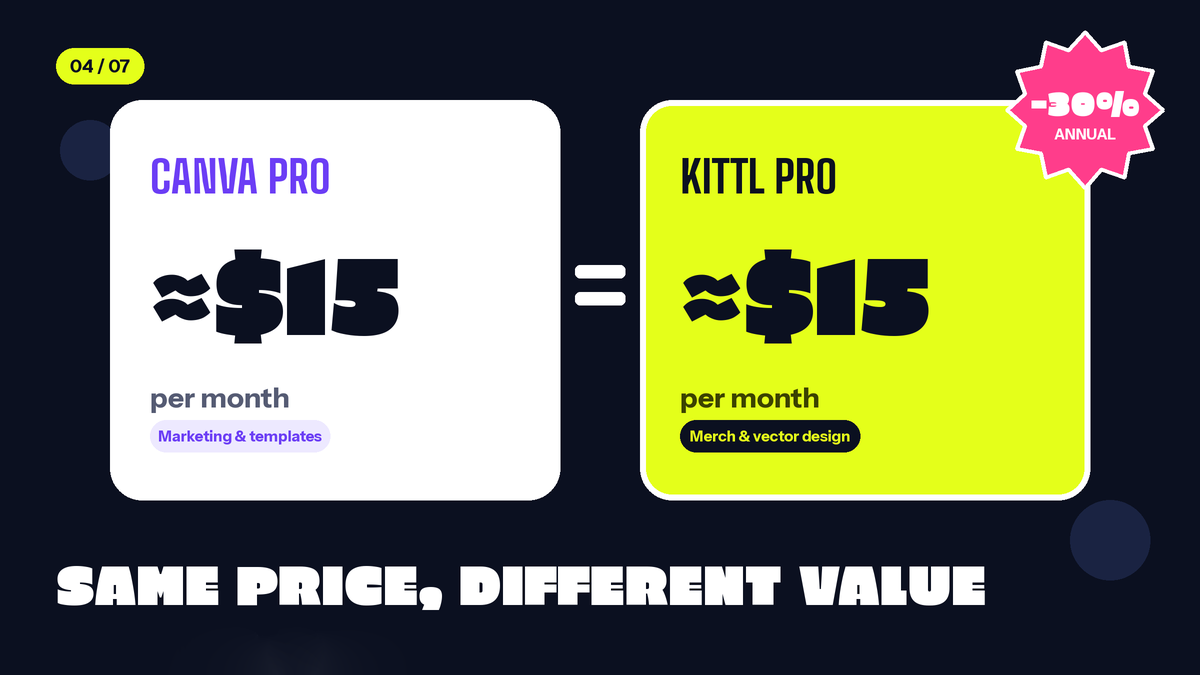
| Monthly Cost (USD) | Approximately $15.00 / month | Approximately $15.00 / month |
| Annual Billing Discount | Available (Saves ~30%) | Available (Saves ~30%) |
| Vector Export Options | SVG, PDF Print (Standard scaling) | SVG, PDF, High Res PNG (Optimized for print) |
| Merchandise Textures | None (Requires manual design) | Built in asset overlays and transparency masking |
| Typography Styling | Basic curve and shadow adjustments | Advanced text warping, transformation, and custom paths |
| Primary Workflow Focus | Multipurpose marketing and templates | Dedicated merchandise and vector design |
While both applications share similar price points, the value extraction varies based on your operational output. Canva offers immense value if your workflow requires generating thousands of promotional pins, Instagram stories, and video advertisements alongside basic text designs.
However, if your primary goal is generating high margin apparel sales that require custom illustration and complex text modifications, investing in a specialized tool saves hours of manual editing time. For creators looking to test these professional design features firsthand, signing up via a dedicated Kittl Registration Link allows you to explore their vector workspace and access their asset library immediately.
Typography Deep Dive: Why Text Is the Real Product in Print on Demand
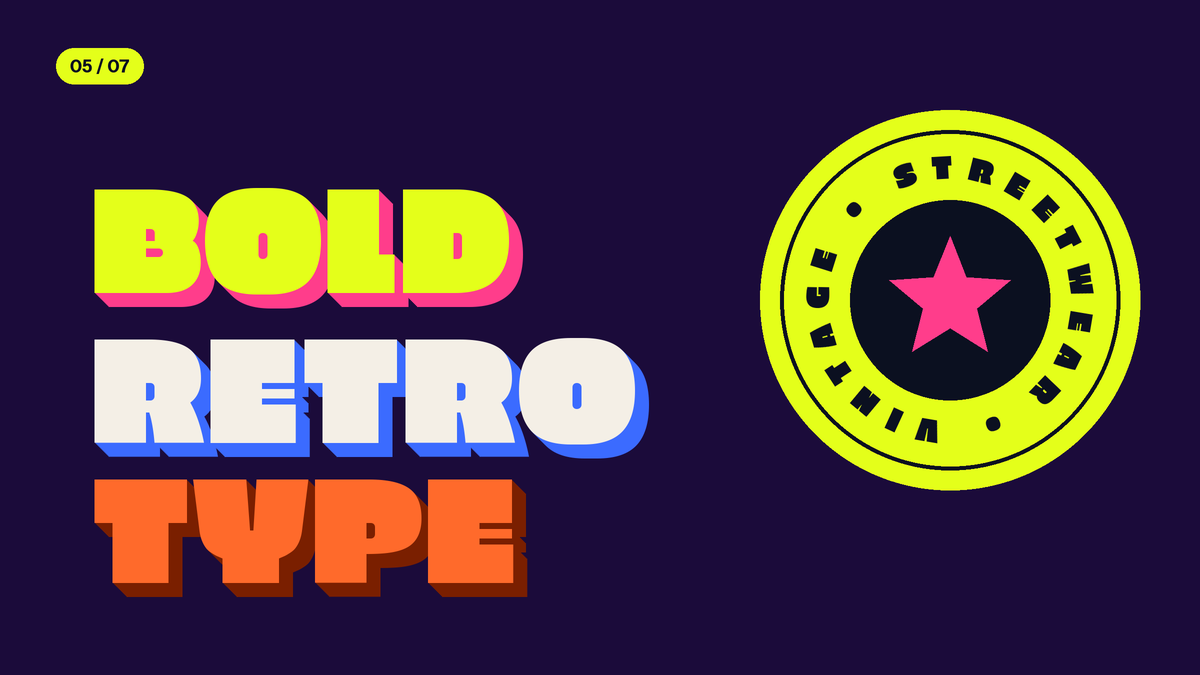
On apparel, mugs, and posters, typography is often the entire design. A bold slogan, a vintage badge, or a hand lettered quote carries the product, and this is where the gap between a general purpose editor and a dedicated design platform becomes most visible.
Text Effects That Create a Signature Look
Kittl treats text as a creative object rather than a simple label. Sellers can bend text along curves and circles, warp it into shapes, and stack multiple effects on a single line, such as outlines, shadows, and offsets. Layered 3D and retro badge styles that once required desktop vector software can be built directly in the browser. For POD sellers, this means producing designs in the styles that sell well, like varsity lettering, western badges, and vintage logos, without leaving the platform.
Fonts Built for Merchandise
Apparel buyers respond to personality. Display fonts, blackletters, brush scripts, and bold retro faces perform better on shirts than the neutral sans serifs common in corporate templates. A library focused on these styles lets you build a recognizable brand voice, and pairing a distinctive display font with a clean supporting font is one of the simplest ways to make a store look professional. Since many POD sellers compete with near identical templates, a unique typographic identity can set a shop apart.
Precision Controls for Print Quality
Good typography also depends on fine adjustments: letter spacing (kerning), line height, and alignment. Tight control over these details keeps stacked slogans balanced and readable at print size. Because text stays vector based, it remains crisp whether it is printed on a small tote bag or a large poster.
Other Advantages That Streamline a POD Workflow
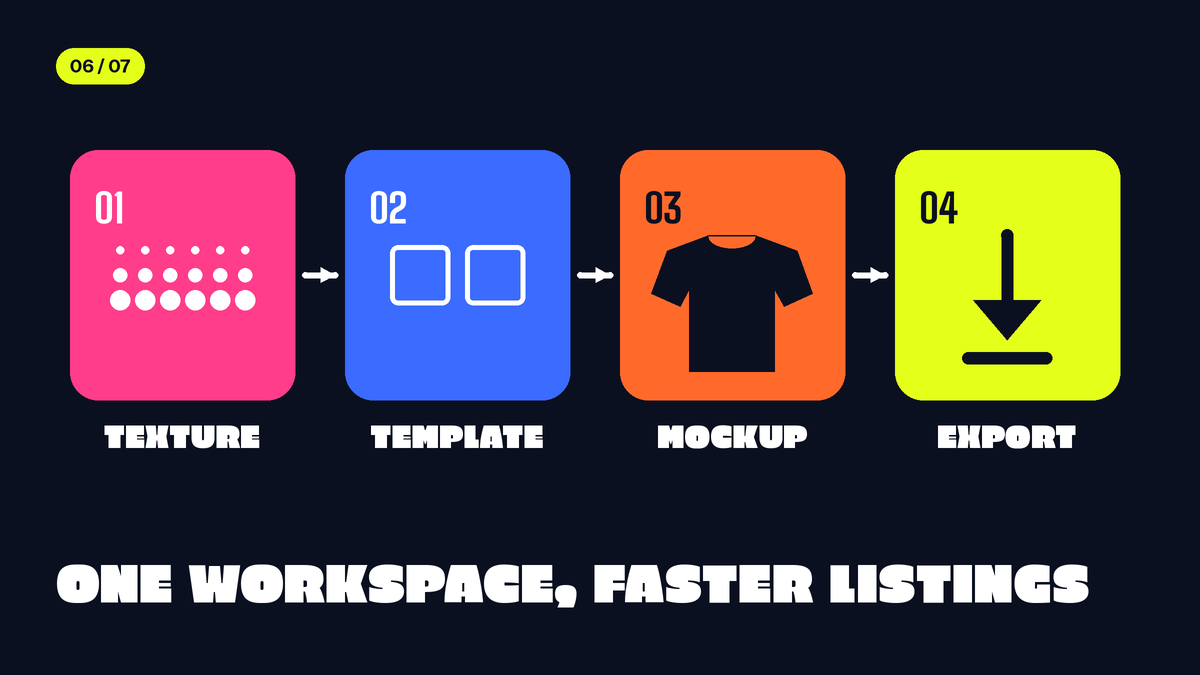
- Textures and Effects in One Place
Distressed, grainy, and cracked-ink looks are a staple of streetwear and retro apparel. Having these effects built into the design environment removes the extra step of exporting to a second program, which saves time when you are producing many designs per week.
- Faster Production with Templates and Assets
Kittl offers templates and graphics designed around merchandise formats, so you can start from a layout that already suits print and then customize it heavily. This shortens the path from idea to finished listing while still leaving room for original work. Always modify templates enough that the final design is distinct and unique to your brand.
- Mockups and Print Ready Exports
Presenting products convincingly affects conversion rates. Preview tools help you see how a design will look on apparel before you publish, and exporting in print-friendly formats (such as high-resolution PNG and vector files) helps you meet the requirements of most POD platforms, where transparent backgrounds and sufficient resolution are common upload rules.
- Time Saved Means Money Earned
For a seller listing dozens of products, small efficiencies add up. If advanced text styling, textures, and exports all happen in one workspace, each design takes less time to finish, and that time can go into research, marketing, and new product lines.
The Verdict: Which Platform Should You Choose?
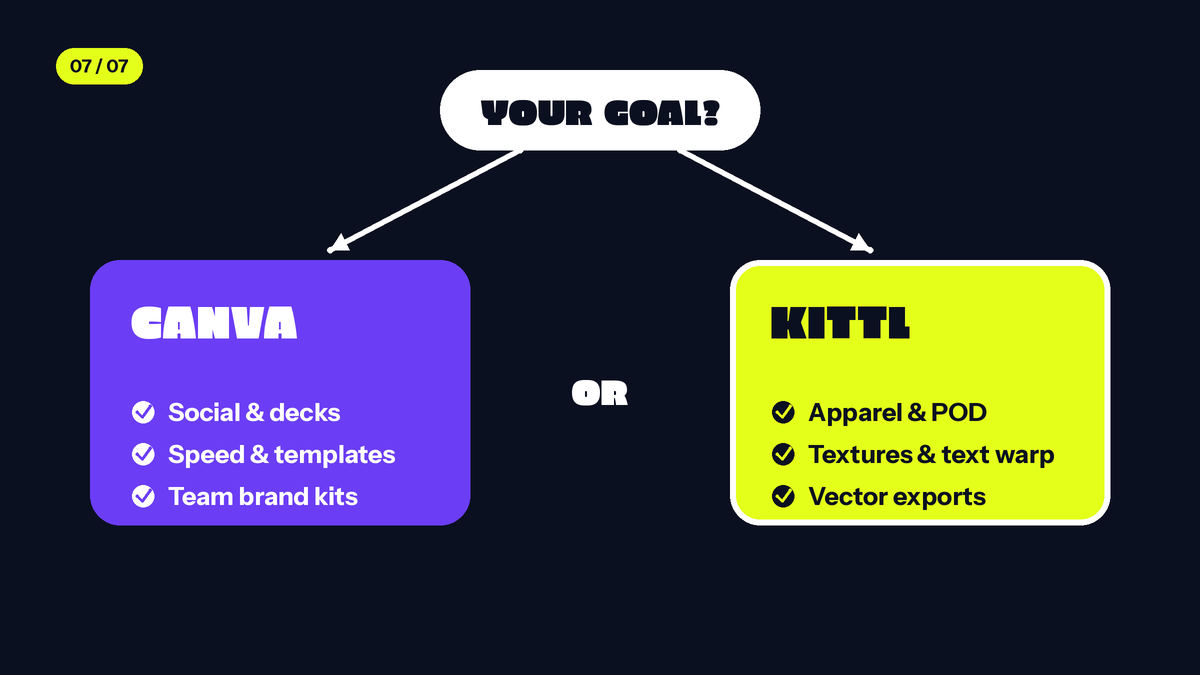
Deciding which workspace suits your business model depends on your daily operational priorities and design style. Canva remains the ideal option for multi channel digital entrepreneurs who prioritize speed, marketing automation, and social media presence. If your store relies heavily on minimalist, text only quotes, or if you need to coordinate brand kits across team members for presentations, Canva provides an unmatched suite of generic editing tools.
Choose Kittl if you are focused on building a serious, high quality apparel brand, intricate poster collections, or premium packaging assets. The combination of advanced text warping, seamless texture masking, and robust vector exports ensures that your physical products match professional retail standards. By utilizing professional tools, print on demand merchants can easily elevate their creative outputs and scale their ecommerce storefronts efficiently.
Choosing the right design software accelerates your path to ecommerce success. If you decide to leverage Kittl advanced, merchandise centric design interface for your business, you can easily access premium, high resolution typefaces crafted by Imoodev, which are directly integrated into their native library.